Back

Vortex Studio Video Tutorials

Summary

Whether you are just getting started with Vortex Studio or looking to unlock its advanced simulation capabilities, this video tutorial library is designed to help you build confidence and progress faster. From navigating the interface to creating complex simulations and optimizing performance, these tutorials guide you step by step through real-world workflows used by simulation professionals.

Become a Vortex Studio Expert

Whether you are just getting started with Vortex Studio, or looking to take advantage of its extensive simulation capabilities, our video tutorials library will help you learn the ins and outs of Vortex Studio.

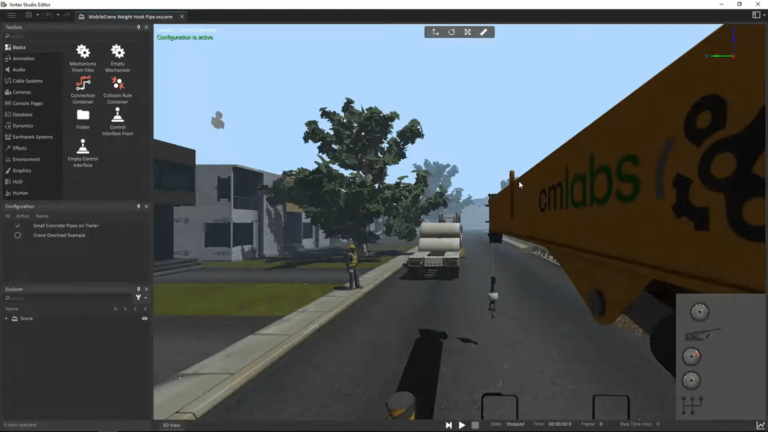
Vortex Studio User Interface

Learn how to navigate the interface of the Vortex Studio Editor. This tutorial covers:

  • Documents and resources
  • Hide and show objects
  • Open and close panels
  • Movement hotkeys in the 3D view

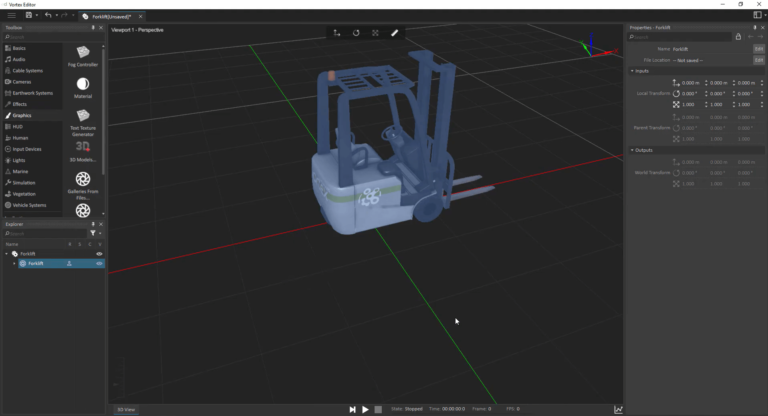
Creating your First Scene

Learn how to create a Vortex Studio scene using the Vortex Studio Editor. Start from basic terrain modelling, and find out how to add and modify mechanisms, objects and terrain materials. This tutorial covers:

  • Creating a terrain from a Graphics Gallery
  • Adding objects and mechanisms to the virtual environment
  • Configuring ground materials
  • Adding an HUD (Head-Up-Display)

Vortex Studio & Unity Integration

Watch this video to learn how to integrate Vortex Studio with Unity by importing packages, setting up assets and prefabs, and synchronizing scenes and mechanisms, while leveraging Unity’s built-in features—such as terrains and physics—to create immersive simulations like realistic vehicle dynamics and earthwork zones.

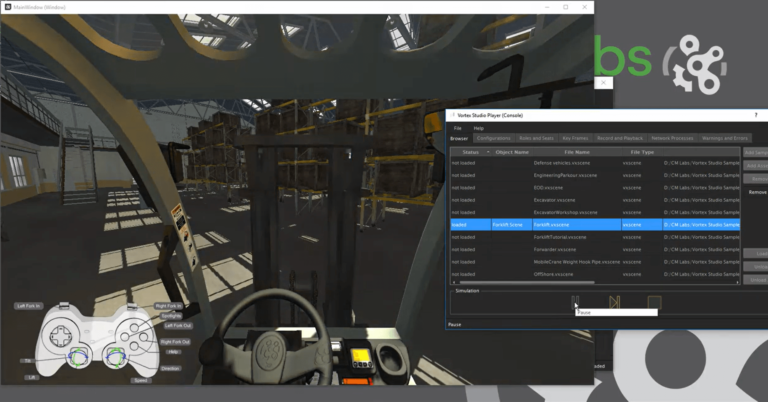
Playing a Simulation Using Vortex Studio Player

Learn how to use the Vortex Studio Player application to distribute your simulation on a single-screen simulator. This tutorial covers:

  • Loading a Vortex Studio simulation
  • Changing display sizes and setting
  • Introduction to the Vortex Studio Player’s advanced tools

Want to Dig Deeper Into Vortex Studio Features?

Explore our Vortex University video series, a collection of in-depth episodes covering essential and advanced Vortex Studio concepts. Led by our experts, these tutorials are ideal for expanding your technical knowledge and mastering complex simulation workflows.

Topics covered in the Vortex University series include:

  • Vehicle templates and terrain configuration using the Vortex Editor
  • Cable simulation fundamentals, including mechanical properties and pulley systems
  • Importing and optimizing CAD models for use as Vortex mechanisms
  • Using the Vortex Graphics Gallery to enhance visual realism
  • Simulation performance optimization in Vortex Editor and Player
  • Troubleshooting common simulation issues
  • Earthwork simulation, including terrain zones and soil behavior
  • Maritime simulation with surface and subsea hydrodynamics
  • Building and refining ground vehicle simulations

Watch the full Vortex University series on YouTube to explore these concepts in depth.

Relevant Resources

Browse ressources vortex studio
Browse Ressources
Consult Vortex Studio Documentation
Consult the documentation
View more videos